
inpainting — guides for creators
Inpainting is the scalpel of AI imaging: regenerate one masked region, keep everything else. The guides here cover technique per tool — masking, denoise strength, prompt scoping — and the judgment call between repairing a frame and rerolling it.
10 guides · updated August 2026
-
AI Inpainting for Multiple Creators: Team Workflows
Scale collaborative image editing without version conflicts. Sozee brings multi-editor inpainting, likeness locks & role permissions. Try it free.
-
Commercial Use AI Inpainting Tools Compared (2026)
Compare top commercial AI inpainting tools on license rights, consistency & cost. Sozee gives explicit commercial rights & brand-safe edits. Try it.
-
Scenario AI Inpainting Tool vs Sozee: Full Comparison
Scenario AI inpainting has no likeness lock. Sozee locks faces across every edit and connects assets to publishing. Sign up for Sozee free today!
-
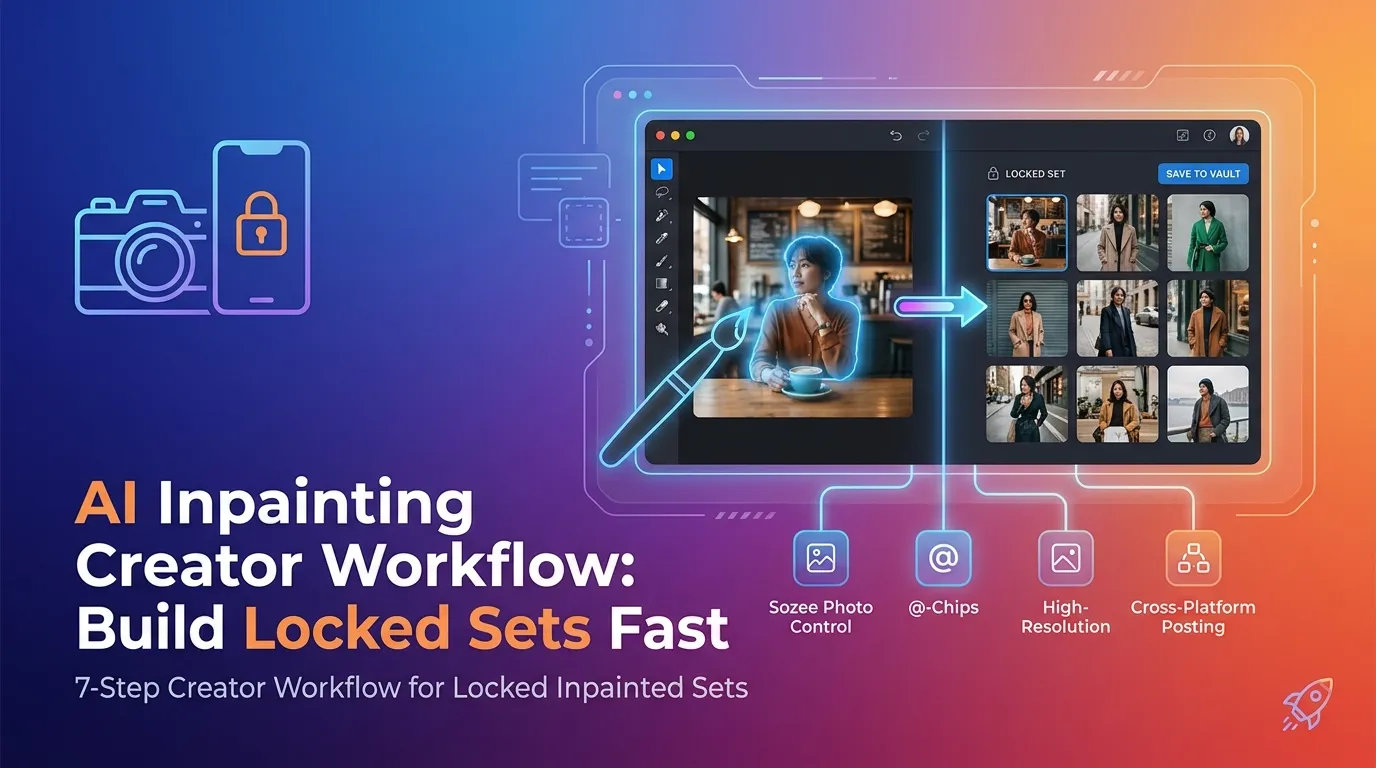
AI Inpainting Creator Workflow: Build Locked Sets Fast
Turn one flawed frame into a 10-image locked set in minutes. Sozee keeps likeness locked — no node graphs or third-party tools. Try it…
-
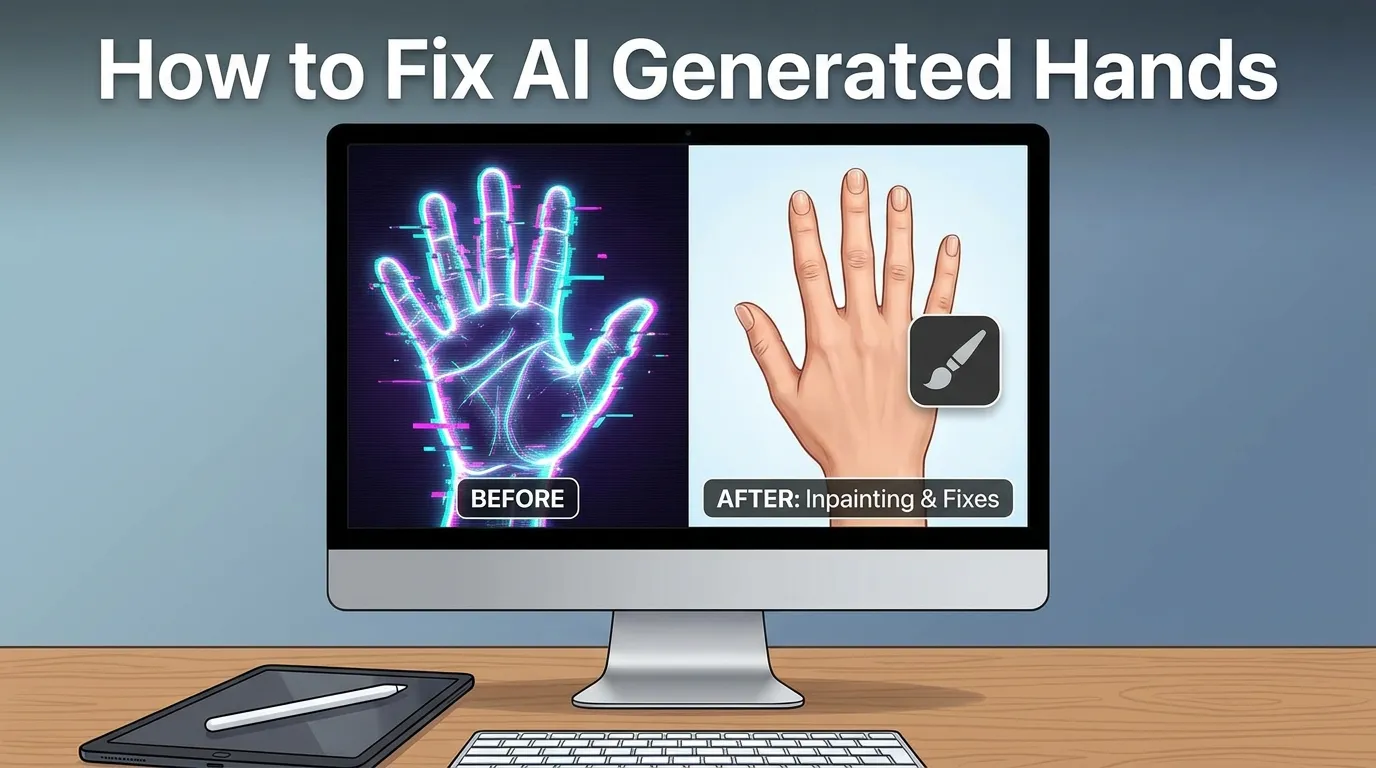
How to Fix AI Generated Hands: Prevention + Inpainting
Fix distorted AI hands fast with Sozee’s prevention-first workflow and inpainting. Get hand-perfect images in under 10 minutes. Try Sozee free!
-
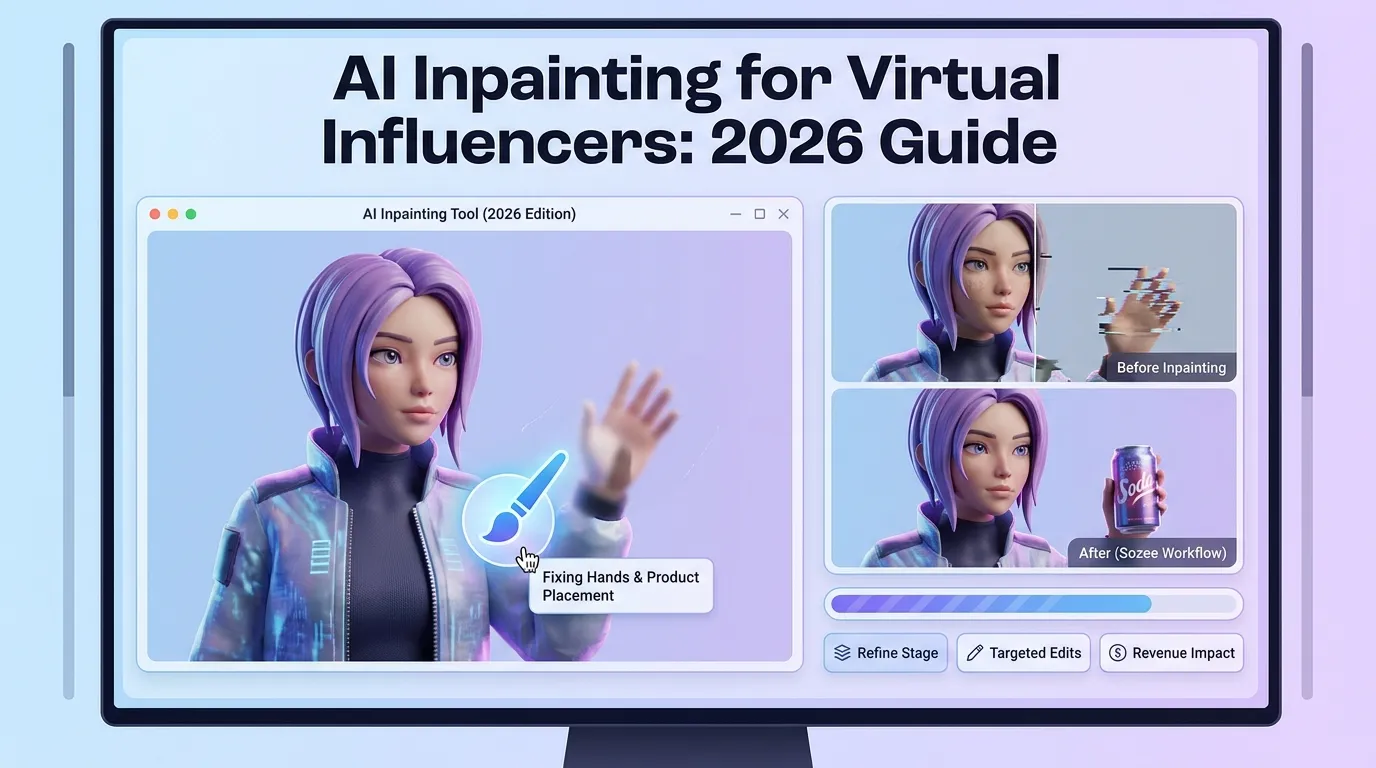
AI Inpainting for Virtual Influencers: 2026 Guide
Swap outfits, fix flaws & place products without losing likeness. Sozee’s AI inpainting locks your virtual influencer’s identity at scale.
-
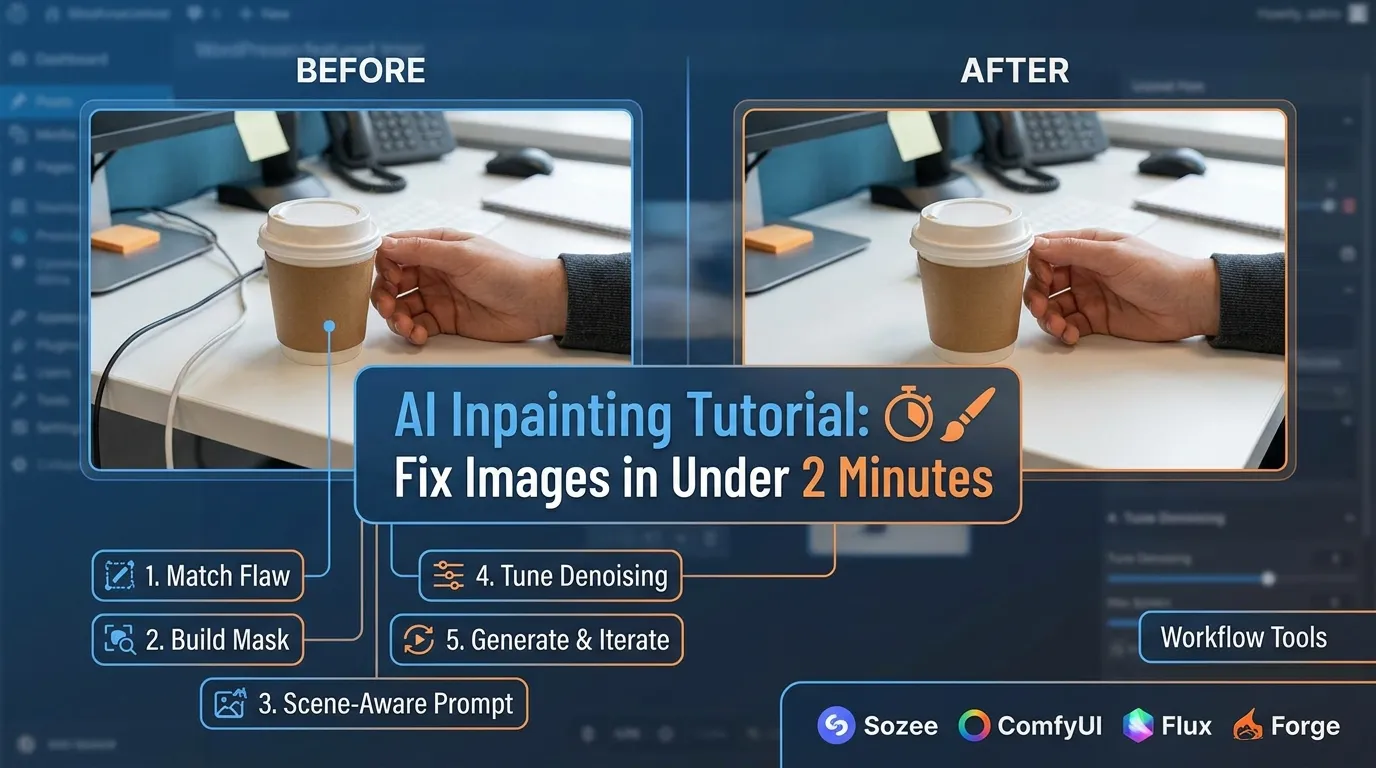
AI Inpainting Tutorial: Fix Images in Under 2 Minutes
Learn AI inpainting step by step and fix any image in under 2 minutes. Sozee makes it seamless — no plugins, no setup. Try…
-
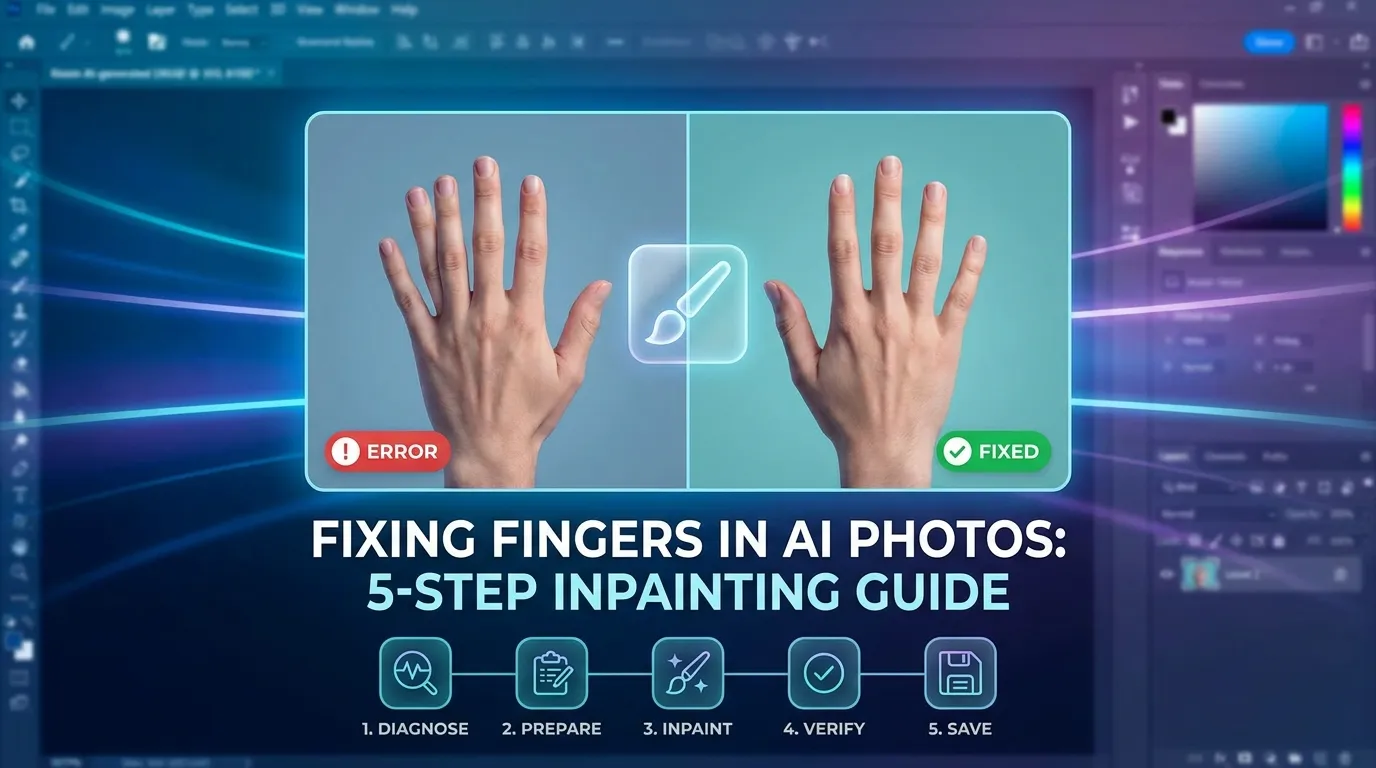
Fixing Fingers in AI Photos: 5-Step Inpainting Guide
Fix distorted fingers in AI photos in minutes. Sozee’s inpainting workflow repairs hands without losing your composition. Try it free today!
-
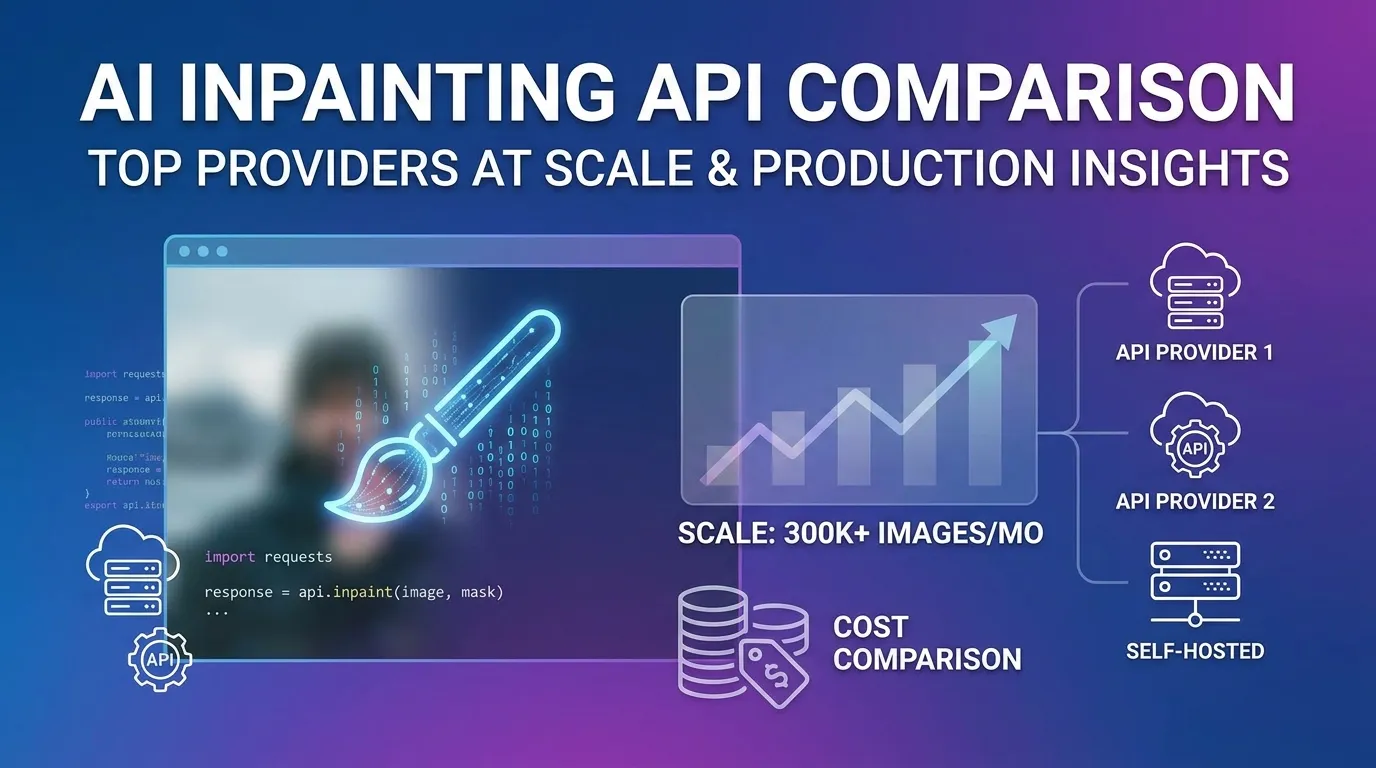
AI Inpainting API Comparison: Top Providers at Scale
Compare the best AI inpainting APIs — Stability AI, Fal, Replicate & more. Find the right fit for production. Try Sozee’s built-in inpainting today.
-
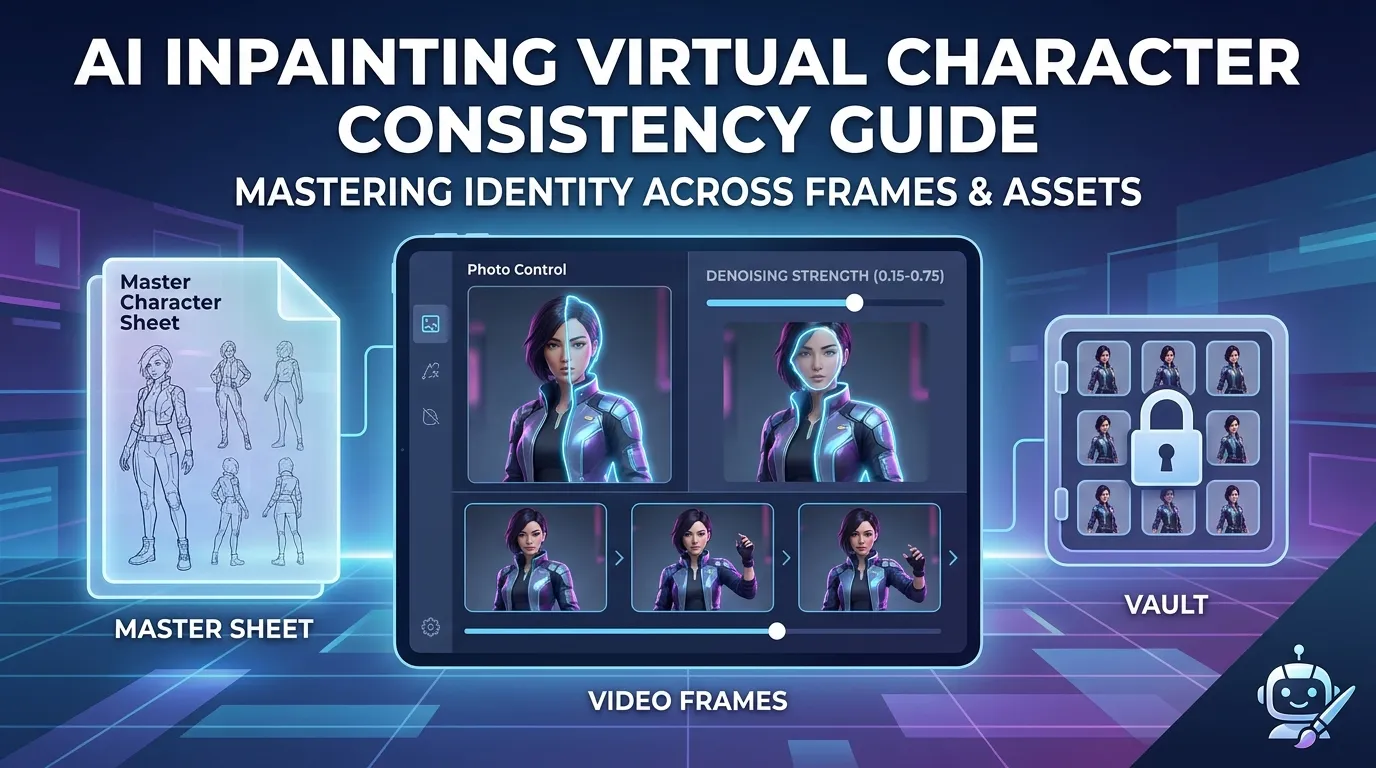
AI Inpainting Virtual Character Consistency Guide
Lock your virtual character’s likeness across every asset with Sozee — no retraining needed. Scale consistent AI content production today.
TERMS TO KNOW
- Mask
- The painted region the edit is allowed to change.
- Denoise strength
- How far the edit may depart from the original pixels.
- Feathering
- Softening a mask's edge so the edit blends invisibly.
INPAINTING — QUESTIONS CREATORS ASK
What is AI inpainting?
Regenerating a masked region of an image while leaving the rest untouched u2014 the standard repair tool for hands, objects and details. The guides cover technique per tool.
When should I inpaint versus regenerate?
Inpaint when the frame is mostly right; regenerate when composition itself failed. The workflow guides cover the judgment call and the settings for each.
DEEP DIVES IN INPAINTING
RELATED TOPICS
Part of AI Photos & Editing · all topics →